AI is changing how we design products and systems. And while some people remain skeptical, UX designers and developers are reaping the benefits.
From brainstorming ideas to drafting wireframes and creating refined user interfaces, there is an AI application available for each aspect.
Generate UI Design with AI in Figma
UX Pilot: AI UI Generator is a prime example of such a tool. It leverages AI to enhance your design workflow and redefine the way you present design ideas.
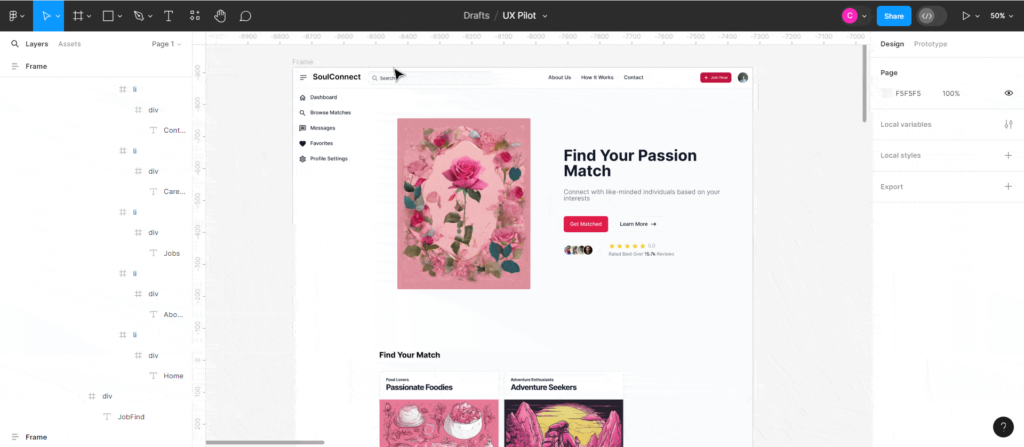
With UX Pilot, you can turn a simple text prompt like:
“A matchmaking platform that connects individuals based on their shared passions and interests”
into this hi-fi design in a matter of seconds:
Generate Wireframes with AI
During the design ideation phase, it can often be challenging to come up with ideas from scratch. So instead of starting with a blank canvas, which makes the task seem even more daunting, you can let AI give you a head start.
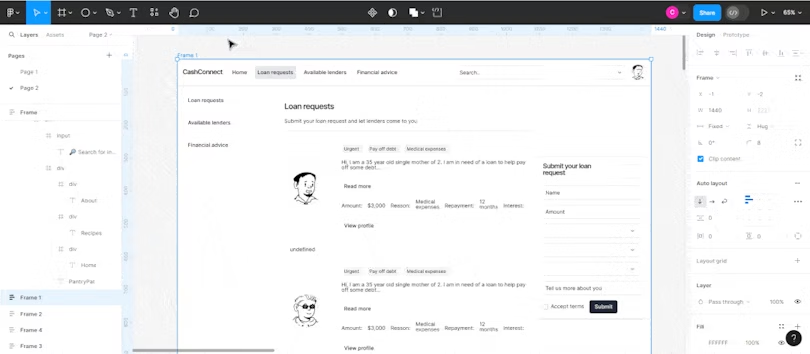
UX Pilot AI Wireframer Generator lets you turn a simple text prompt like this:
“A platform that connects cash-strapped individuals to potential lenders.”
into wireframes like this in seconds:
Review your design and predict users’ attention
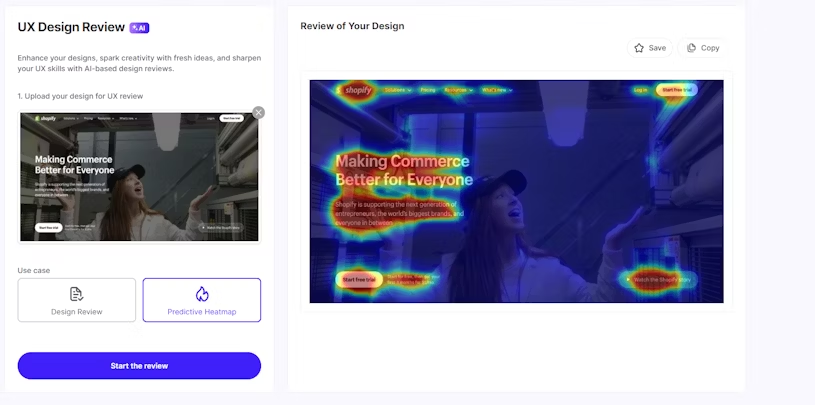
With AI, you can review your design either in Figma or on the web and get quick feedback on what to improve in terms of layout, accessibility, copy, and more.
You can also predict users’ attention using predictive heatmaps to optimize your website for conversions or enhance important elements of your layout.
- Learn how to use AI to get design feedback
Map flows and sitemaps with AI
Creating UX concepts without proper mapping process is like creating posters.
And AI can be extremely helpful to:
- Explore concepts and structures
- Transform text data to UX maps
Here’s how you can achieve this:
Flowcharts with FigJam AI
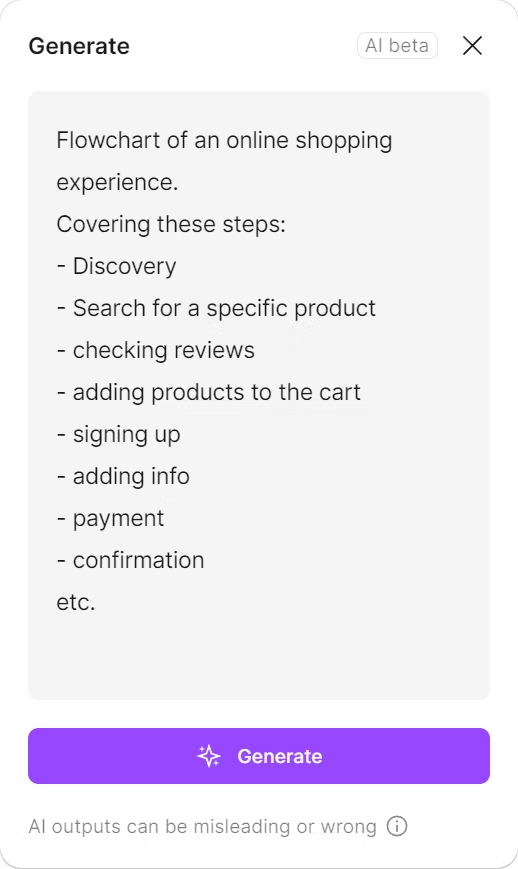
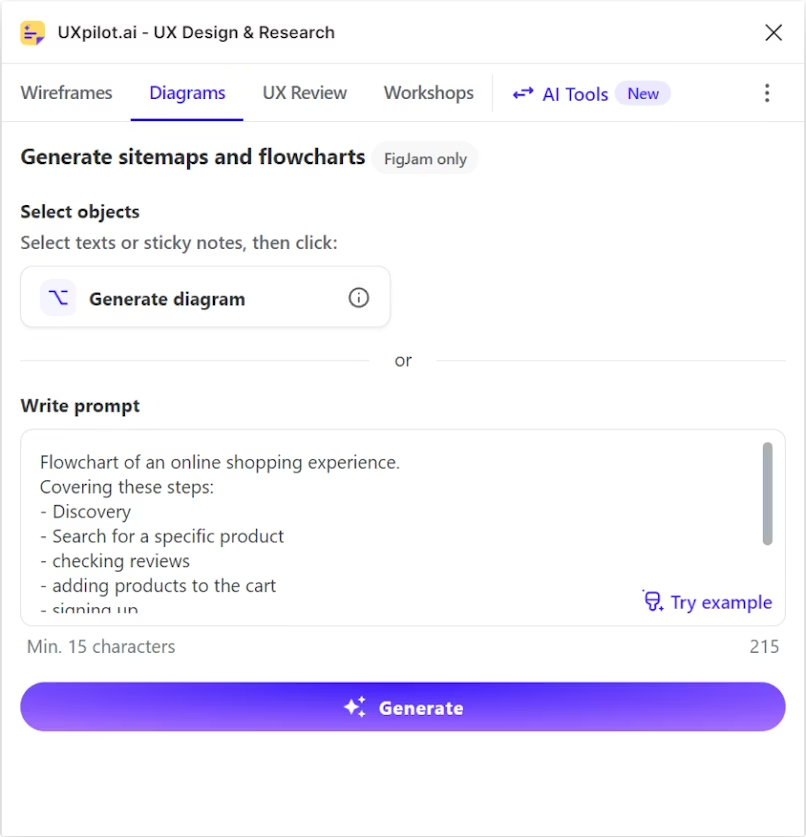
Figjam provides an easy way to generate flowcharts. Write your prompt (specify flowchart) and click generate:
Figma produced a neat, straightforward flowchart that captured the shopping process but only skimmed the surface. It seems FigJam chose to keep its AI use simple, aiming for clarity over depth.
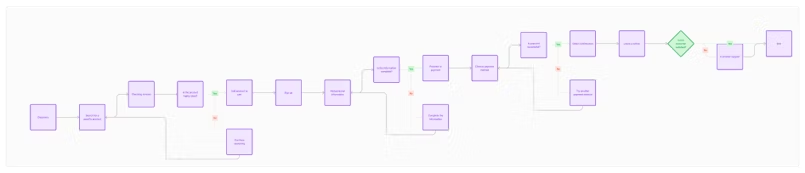
Then we fed the same prompt to UX Pilot:
UX Pilot’s response initially seemed to mirror FigJam’s simplicity. However, upon closer inspection, UX Pilot unveiled a depth FigJam didn’t. It captured shopping nuances with precision.